
The Microsoft Solver Foundation (MSF) is a .NET library that can be used to solve several different kinds of problems, including one very interesting kind called constraint satisfaction problems. The getting-started documentation for MSF is atrociously bad (but after you’re up and running the documentation is quite good). Here’s a short quick-start guide.
I want to solve this problem, which I found on the Web at http://www.purplemath.com/modules/linprog3.htm.
Maximize R = -2x + 5y, where x and y are integers, subject to
100 <= x <= 200
80 <= y <= 170
y >= -x + 200
The problem was actually stated as a word problem involving manufacturing two different kinds of calculators, but we’ll assume you can get to the equations somehow.
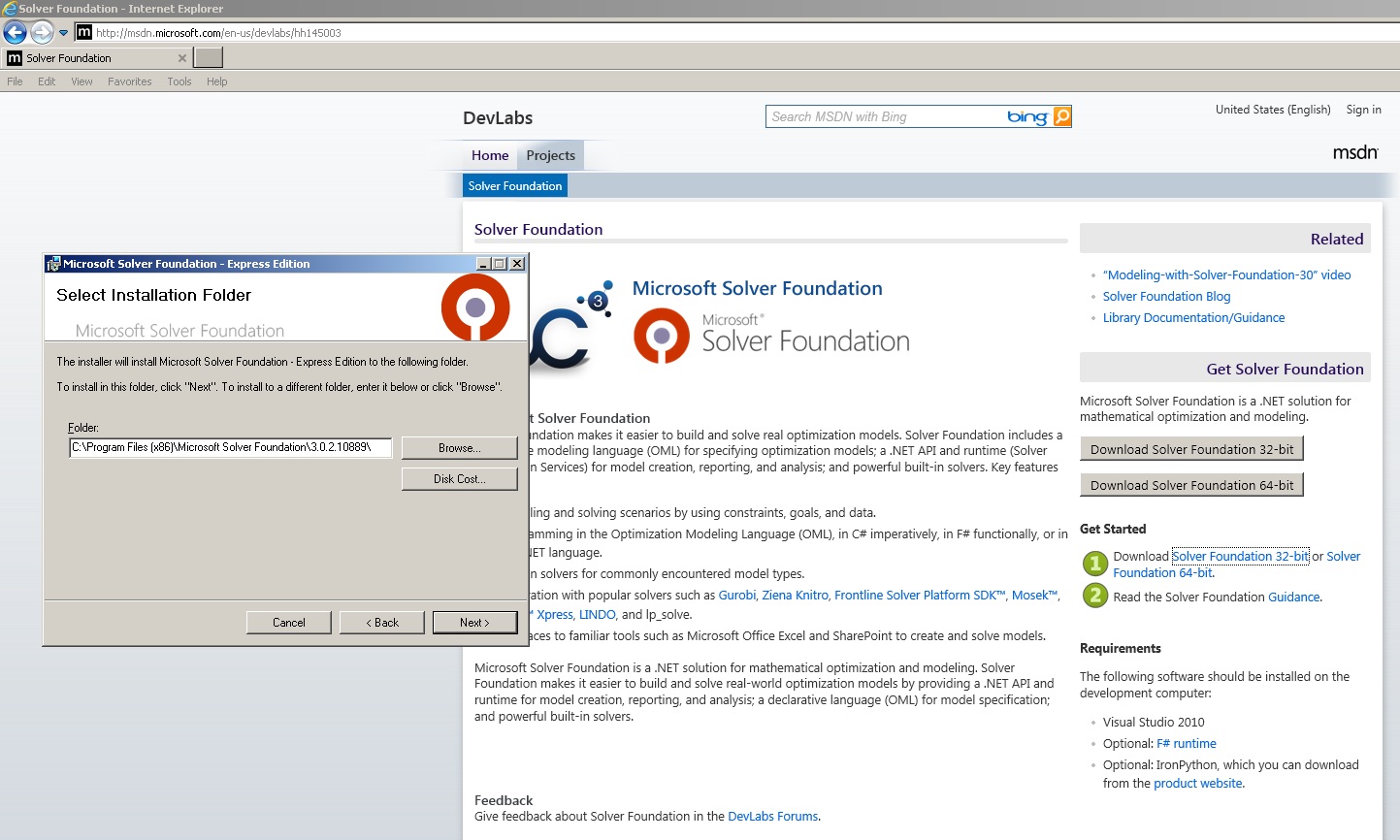
In its simplest form, MSF is Microsoft.Solver.dll that can be used in a C# program. First you have to locate an install it. It seems to jump around. I found it at http://msdn.microsoft.com/en-us/devlabs/hh145003. I clicked on the Download Solver Foundation 32-bit link (I prefer using 32-bit rather than 64-bit for demos) which led me to an .msi (installer) file that I saved to my local machine, and then ran. The installation generated a lot of crud plus the DLL at directory C:\Program Files (x86)\ Reference Assemblies\ Microsoft\ Framework\ .NETFramework\ v4.0.
I launched Visual Studio and created a C# Console Application program named SolverFoundationDemo. I added a reference to the MSF DLL. Here’s the code to use MSF to solve the problem:
using System;
using Microsoft.SolverFoundation.Services;

namespace SolverFoundationDemo
{
  class Program
  {
    static void Main(string[] args)
    {
      Console.WriteLine("\nBegin Solver demo\n");

      var solver = SolverContext.GetContext();
      var model = solver.CreateModel();

      var decisionX = new Decision(Domain.IntegerNonnegative, "X");
      var decisionY = new Decision(Domain.IntegerNonnegative, "Y");
      model.AddDecision(decisionX);
      model.AddDecision(decisionY);

      model.AddGoal("Goal", GoalKind.Maximize,
        (-2 * decisionX) + (5 * decisionY));

      model.AddConstraint("Constraint0", 100 <= decisionX);
      model.AddConstraint("Constraint1", decisionX <= 200);
      model.AddConstraint("Constraint2", 80 <= decisionY);
      model.AddConstraint("Constraint3", decisionY <= 170);
      model.AddConstraint("Constraint4",
        decisionY >= -decisionX + 200);


      var solution = solver.Solve();

      double x = decisionX.GetDouble();
      double y = decisionY.GetDouble();

      Console.WriteLine("X = " + x + " y = " + y);

      Console.WriteLine("\nEnd Solver demo\n");
      Console.ReadLine();
    } // Main
  } // Program
} // ns
The program ran and gave a result of
Begin Solver demo

X = 100 y = 170

End Solver demo
Pretty cool. My overall impression is that MSF is very neat, but I couldn’t believe how bad the getting-started documentation was. The documentation gave too much detail instead of giving a super simple example like I’ve tried to do here. It doesn’t matter how cool a technology is if developers can’t get started with it.
 .NET Test Automation Recipes
 Software Testing
 SciPy Programming Succinctly
 Keras Succinctly
 R Programming
 2026 Visual Studio Live
 2025 Summer MLADS Conference
 2026 DevIntersection Conference
 2025 Machine Learning Week
 2025 Ai4 Conference
 2026 G2E Conference
 2026 iSC West Conference
You must be logged in to post a comment.